
I was preparing for the Pre-Sales demo for a client and came across a situation where the Work Order was not generating automatically, till I realised a couple of settings and the process of how to do it.
The following is what happened and how I could actually see my work order getting generated automatically for me and were also scheduled.
Post logging in to my instance I went to Field Service–> Service Agreements and clicked on +New to create a New service agreement.
The following details were filled in by me:
- Summary Information: : At this point the System status will be Estimate.
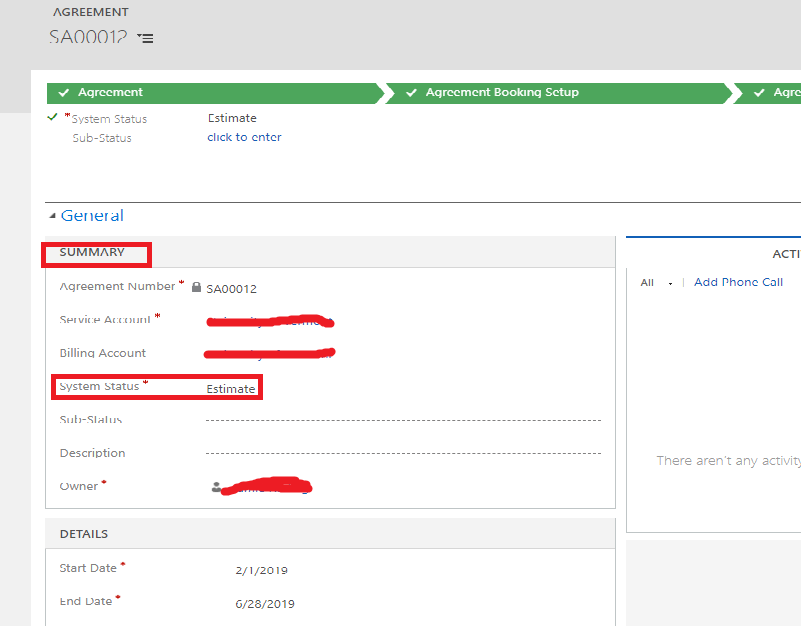
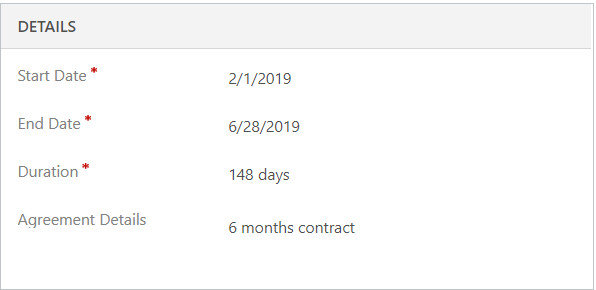
- Detail Information
I moved ahead to create a Booking Setup. This is where I was expecting the work order to get generated automatically.
I clicked on + Sign on the Booking Setup grid and tried creating a record and filled in all the required details on the Details section of the Booking Setup form.
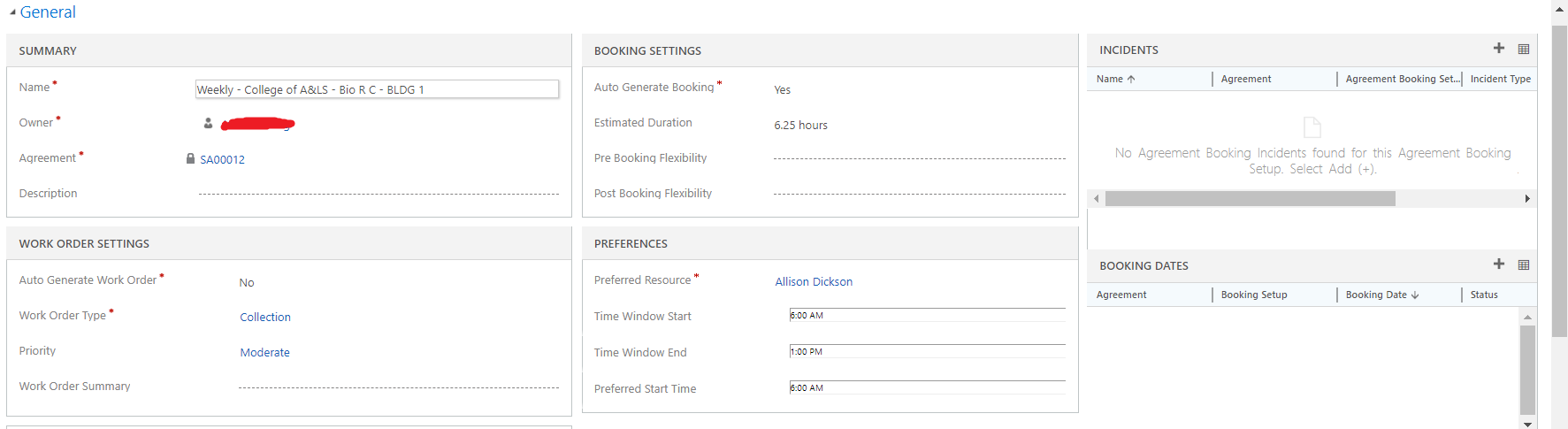
Following is what made the Work Orders generate Automatically:
- Mark Auto Generate Work Order field to Yes.
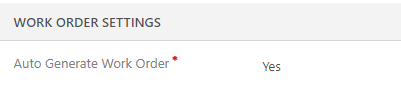
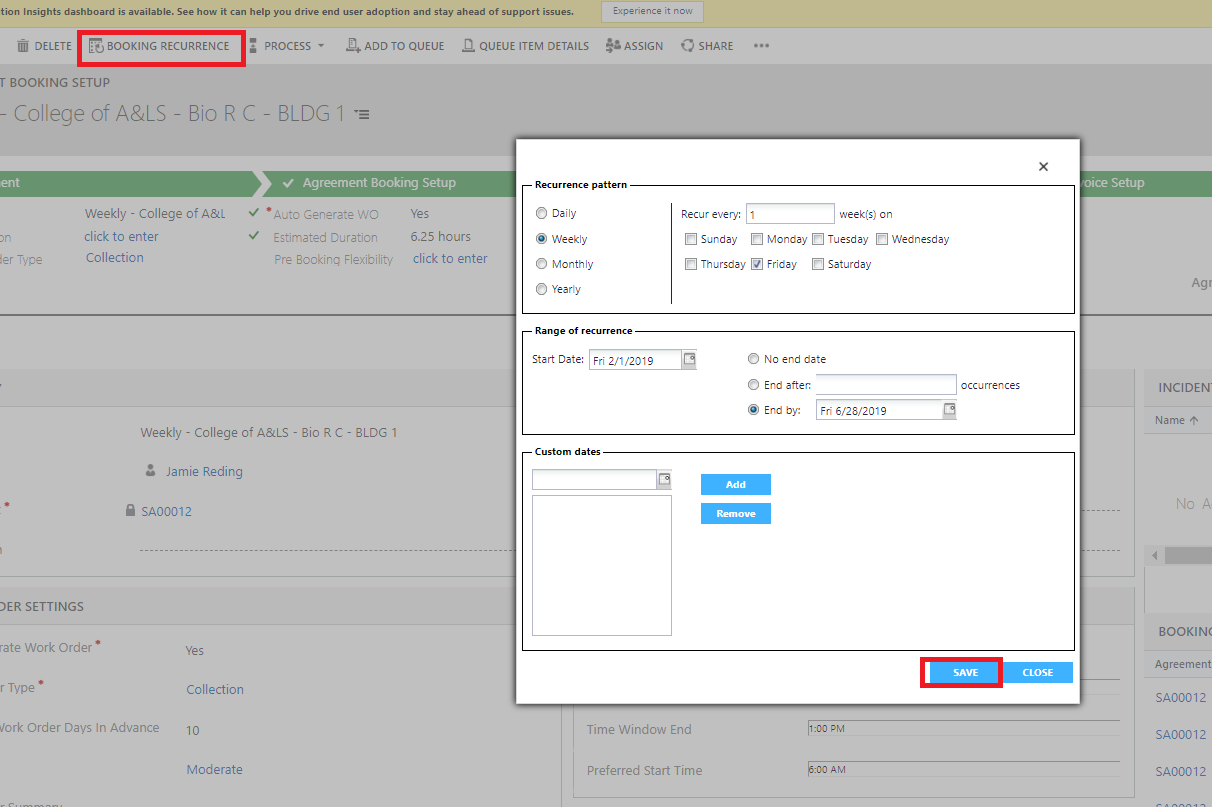
- Set the Booking Recurrence by clicking on the button on Ribbon control.
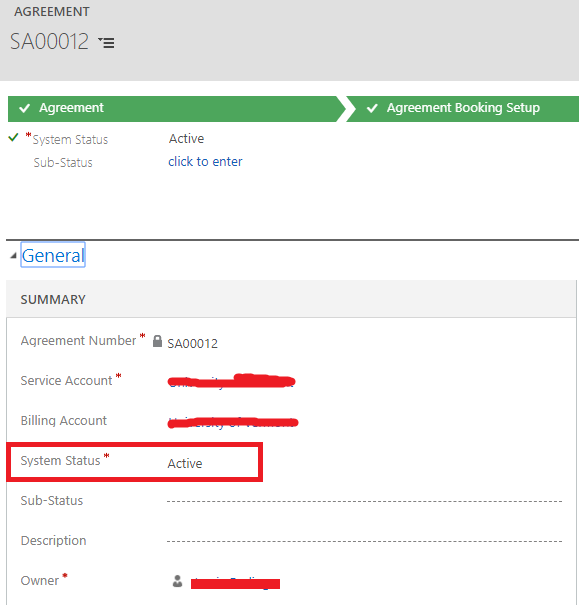
- Go back to the Agreement and mark the Agreement status as Active.
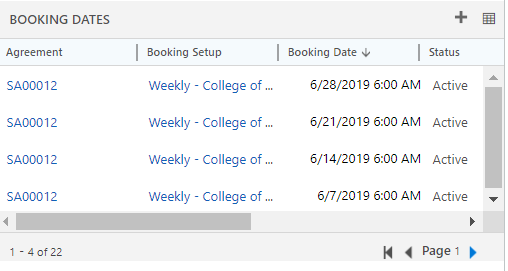
- Come back to Booking Setup done and you will see that the Booking Dates Grids have the records in it based on the Recurrence schedule selected.
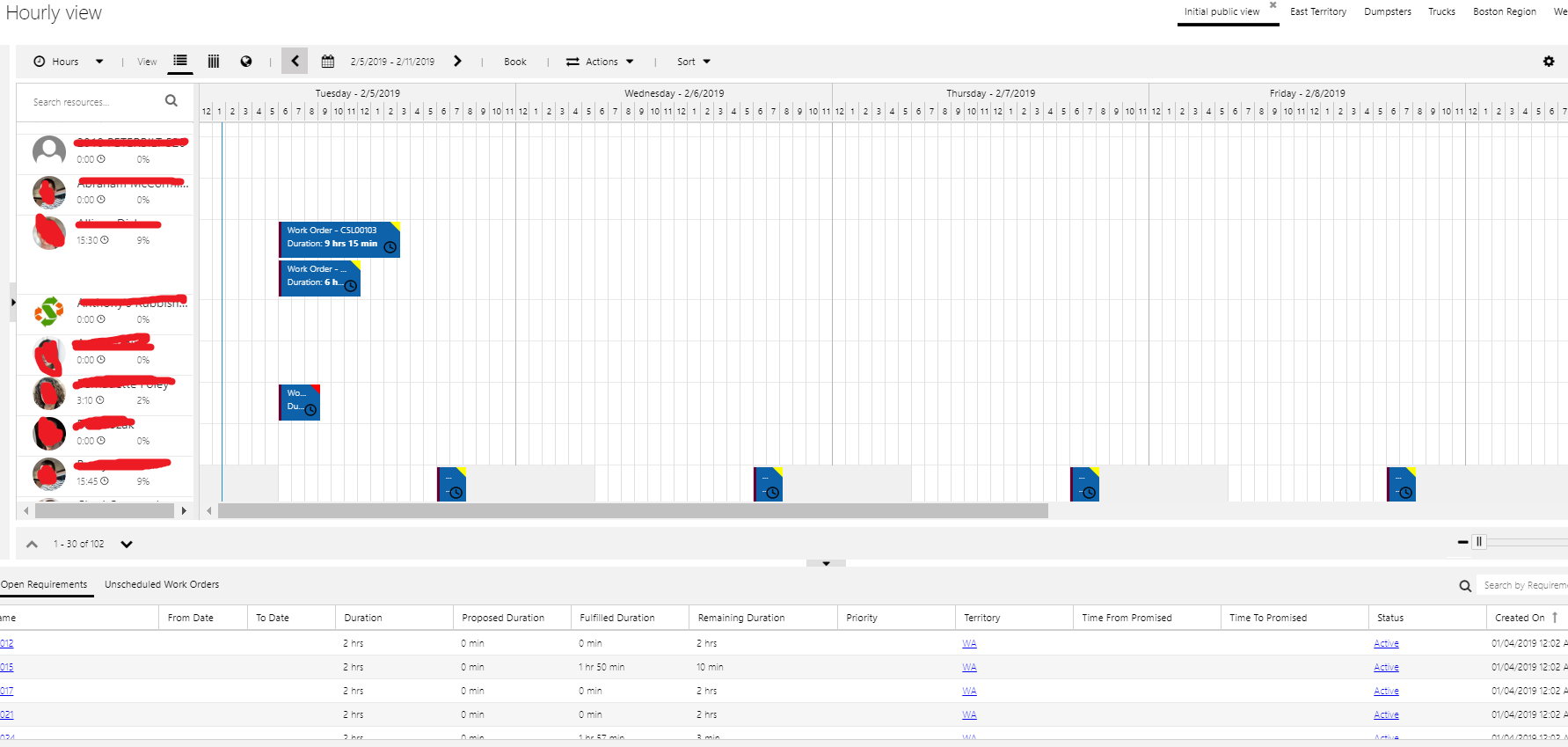
- Each record is a work order which gets scheduled automatically on the Schedule board.
You are done.
This blog reflects my personal findings and based solely on my experience of using Field Service.